
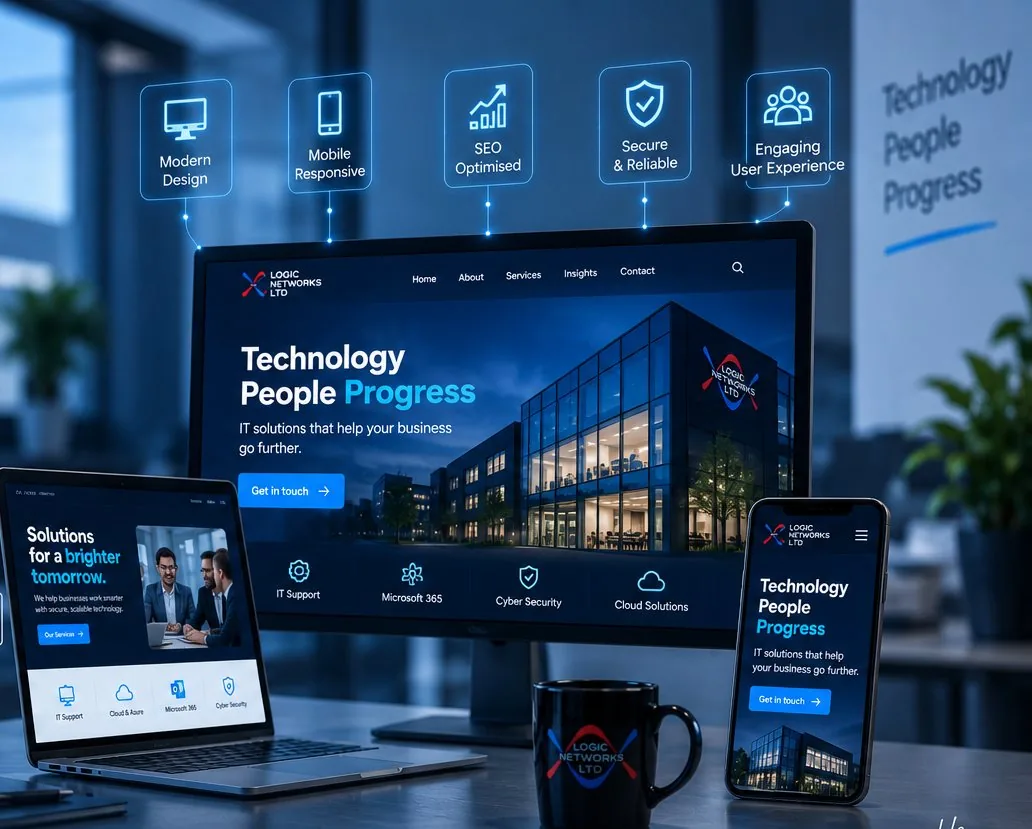
Website design and development for organisations that need the site to work
A website is judged by whether people find what they came for, not by whether it wins an award.
Logic Networks designs, builds and looks after websites for organisations across London and the rest of the UK: business sites, charity and education sites, online shops and the small tools that sit alongside them.
We build on WordPress in most cases, because it is the platform your own team can edit without us, and because it does not tie you to one supplier.
The technical side matters as much as the design. A beautiful site that loads slowly, cannot be edited by your staff or breaks on a phone will cost you more than it earns.
The most expensive website is the one you cannot edit.
Every small change becoming an invoice is how sites go stale. We hand over something your own team can update, with a written note of how.
- Editable by your team, without touching the design
- Fast on a phone, on an ordinary connection
- Accessible, and tested rather than assumed
- Your hosting, your domain, your content, in your name
What is included
Six pieces of work, from the first conversation to the year after launch.
A small site needs the first three. A rebuild of an established site needs all six, and the fifth is the one that protects what you have already earned.
Planning and structure
What the site is for, before what it looks like.
Who the site is for, what each group is trying to do, and the structure that gets them there in as few steps as possible.
This is where a rebuild is won or lost. A site organised around your internal departments rather than around what visitors want is the most common problem we are asked to fix.
Design
Yours, and consistent everywhere.
Page designs built from your brand, laid out for a phone first and then for larger screens, using a consistent set of elements rather than a different arrangement on every page.
That consistency is what lets your team add a page later and have it look right without design help.
Build and content management
Editable without breaking anything.
The site built so your staff can change the text, swap an image and add a page, with the layout protected so an edit cannot break the design.
We hand over with a short training session and a written note, so the knowledge does not sit with one person who then leaves.
Online shops and forms
Payments and enquiries that arrive.
Product pages, baskets and payment through a provider you already use, or enquiry and booking forms where the transaction happens offline.
The details decide whether these work: a form that confirms it was sent, an enquiry that reaches more than one inbox, and a failed payment that tells the customer what to do next.
Keeping your search positions through a rebuild
The part most rebuilds get wrong.
Before anything launches, we map every existing address to its new place and set up the redirects. Pages that earn visits keep their content and their address wherever possible.
A rebuild that ignores this loses the search positions the old site had earned, sometimes for months. It is the most expensive avoidable mistake in this service, and it is covered in more detail under SEO and digital visibility.
Hosting, updates and support afterwards
Looked after, not abandoned at launch.
Hosting sized for your traffic, daily backups, platform and plugin updates applied and checked, and the security basics that keep a site from being defaced.
An unmaintained WordPress site is broken into eventually. The updates are the boring subscription that prevents the expensive week.
How it works
Three arrangements, and the middle one is what most organisations actually need.
A full rebuild is not always the answer. Where the structure is sound, fixing speed, mobile layout and the enquiry route costs a fraction of a new site and often produces more enquiries.
Send us your current address and we will say which of the three we would recommend, including when the answer is to leave it alone.
-
A review of what you have
Speed, mobile, accessibility, structure and enquiry routes, with a list of what to fix in priority order. Useful before spending anything.
-
Improve the existing site
Keeping the platform and the positions you have, and fixing what is costing you enquiries. Usually weeks rather than months.
-
A new site
Planned, designed, built and migrated with the redirects mapped first. Handed over editable, with training.
Who it is for
The usual trigger is embarrassment or friction. A site that looks older than the organisation, one that cannot be edited without paying somebody, or one that does not work properly on a phone.
The better trigger is a change in what the organisation does, because that is when the structure genuinely needs rethinking rather than redecorating.
- Businesses whose site was built several years ago and never updated
- Charities and non profits who need donations and applications to work simply
- Education organisations with statutory information to publish and keep current
- Organisations who cannot edit their own site without an invoice
- Anybody whose site is slow, or unusable on a phone
- Organisations who lost their search positions in a previous rebuild
What we need from you
Three things, and the second is the one that delays nearly every project.
Content is the bottleneck in almost every website we build. Saying so at the start, and planning for it, is what keeps a project to its dates.
One person to approve
Somebody who can sign off a design and a page of text. Sites designed by committee take three times as long and end up as an average of every opinion.
Content, or a decision about it
Either your team writes it, or we do, or we adapt what exists. Any of those works. What does not work is leaving it undecided until the build is finished.
Access to your domain and hosting
In your own name. If a former supplier holds your domain, getting it back is the first task, and it is better done calmly than at launch.
What we usually find in a website review
These come up on most established sites, and several of them are quick to fix without a rebuild.
- Images uploaded at camera size, which is why the site is slow
- A contact form that goes to one person who has left
- Text too small to read on a phone, or a layout that scrolls sideways
- No clear next step on the pages that get the most visits
- A platform and plugins years out of date
- Pages describing services the organisation no longer offers
- The same content in three places, competing with itself in search results
- Accessibility problems that would fail a basic check, including colour contrast and missing image descriptions
Our steps for working together
The order matters, and the step most projects skip is the fourth. These are the stages for a new site.
- Understand and plan Who the site is for, what they want and the structure that serves them. Agreed on paper before any design.
- Design the key pages The home page and two or three others, in full. Approving those settles the style for everything else.
- Build and fill The site constructed, content added and every page checked on a phone as well as a screen.
- Map every old address Each existing page matched to its new home, with the redirects written and tested on a copy before launch.
- Launch, then watch Usually midweek and in the morning, so there is a working day to correct anything. Then the search positions and the forms monitored for a fortnight.
- Hand over and train A session with your team, a written note of how to edit each part, and the accounts in your own name.
How we set priorities
Anything that stops an enquiry or a payment comes first, at any point in the project. Then anything on the pages that get the most visits. Then everything else. A visual preference on a page nobody visits comes last, and we will say so kindly.
Speed, and why it is mostly images
- Images are the usual cause A photograph straight from a camera can be several megabytes. Resized and compressed it is a fraction of that and looks identical.
- Every plugin has a cost Each one adds code to every page. We use as few as the job needs.
- Hosting matters less than people think Beyond a reasonable standard, a faster server does not fix a heavy page.
- Fonts and video are the next culprits Two font families are plenty, and a background video is rarely worth what it costs the visitor.
- Test on a phone on mobile data Not on the office connection. That is the experience most of your visitors have.
Accessibility, in practical terms
Text that can be enlarged, colours with enough contrast to read, every image described, every form field labelled, and the whole site usable with a keyboard. These are not extras. They are also, in almost every case, the same changes that make a site easier for everybody, and for public sector and education organisations they carry legal duties.
Writing a brief that gets you a comparable quote
Website quotes are difficult to compare because each supplier assumes a different scope. A short brief fixes that, and it takes about an hour to write.
- What the site is for The two or three things you want a visitor to do.
- How many pages, roughly A count, even an approximate one, changes a quote more than anything else.
- Who writes the content You, them, or a mixture. State it, because suppliers price this very differently.
- What has to be carried over Existing pages, a shop, a members area, an integration with another system.
- Who will edit it afterwards And how confident they are. This decides how the site is built.
- Your date, and why A real date with a reason behind it is respected. An arbitrary one gets padded.
- Your budget range Withholding it does not get you a lower price, it gets you a quote for the wrong thing.
Send the same brief to everybody you ask. The differences between the replies then tell you something real about the suppliers rather than about their assumptions. We are happy to comment on a brief even if you are not asking us to quote.
What good looks like
Your team can add a page without asking us. The site loads quickly on a phone on ordinary mobile data. Enquiries arrive, and more than one person receives them. Your search positions are the same or better than before the rebuild. And a year later the site still looks current, because somebody has been able to keep it that way.
Related services
A website sits next to the visibility work and the systems behind it. Most organisations take the first two together, because a new site without the search work loses ground.
Where you have a designer or an agency you like, we build what they design.
- SEO and digital visibility so a rebuild gains positions rather than losing them
- Managed IT for the hosting, updates and backups afterwards
- Cybersecurity for the domain records and the site’s own protection
- Automation to connect enquiries to the system that handles them
- Microsoft 365 for the mailboxes your forms send to
Articles and news on websites
Notes on speed, structure and rebuilds, written for the person who has to brief the project.
SharePoint or a mapped drive: choosing where files live
Neither option is the modern one and the old one. They are good at different things. Here are the questions that decide it.
Read the articlePlanning a hardware refresh over three years
Replacing everything at once is expensive and disruptive. A rolling three year plan spreads both, and the list is easier to build than it looks.
Read the articleWhat a monthly IT report should actually tell you
Ticket counts make a report look busy without saying whether anything improved. Here are the five things a monthly IT report should carry.
Read the articleTalk to us about your website
Send us your current address and tell us what frustrates you about it. We will review it and come back with what we would fix, whether it needs rebuilding at all and what each option costs.
If you are already mid rebuild with somebody else, we can review the plan.